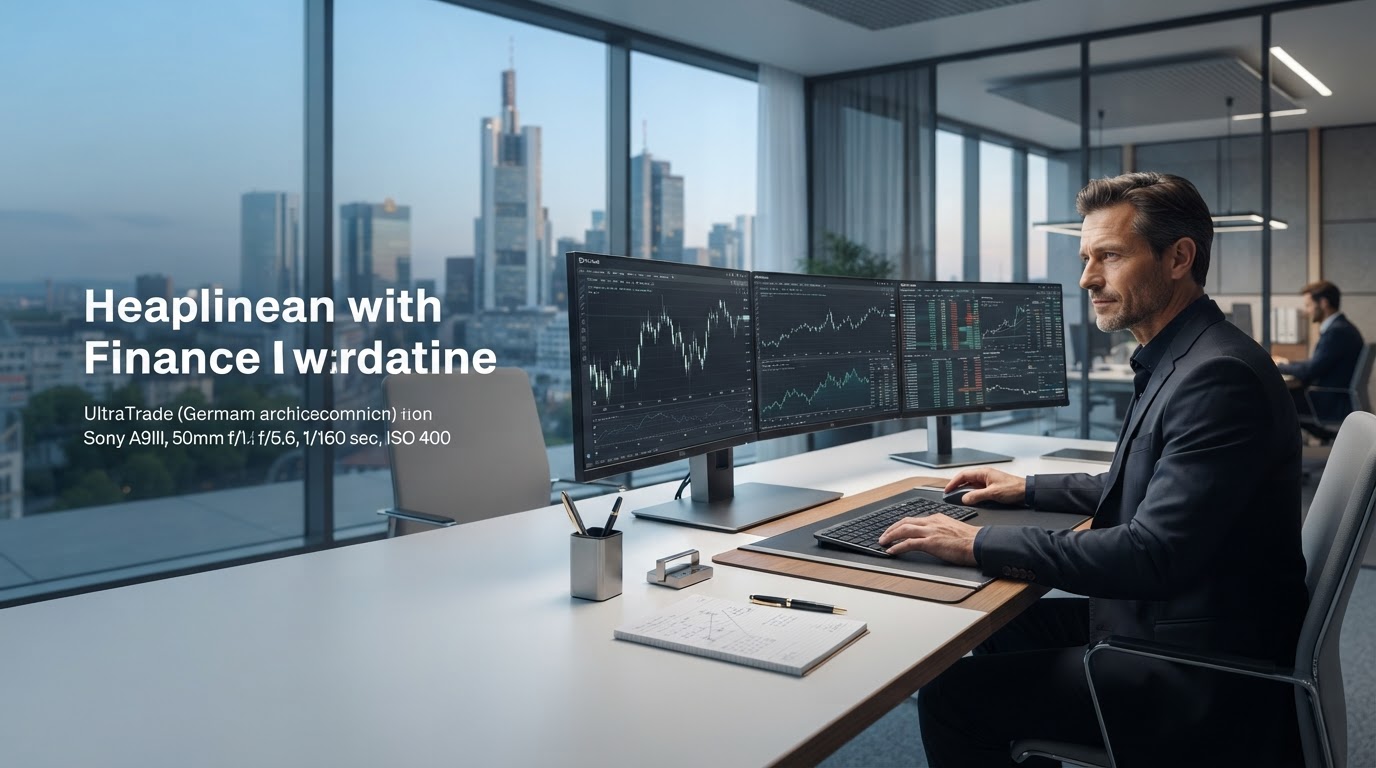
Every module built around one job: turning data into decisions
UltraTrade combines structured market data, rule-based screening, and configurable alerts into a single workspace. Below is a detailed look at how each part works and what it changes for your workflow.
Module Status
Live ConfigRaw data isn't the problem. Unstructured data is.
Most tools hand you a firehose of numbers and expect you to build context yourself. UltraTrade organizes incoming market data into consistent, comparable structures before it ever reaches your screen, so every feature — screening, alerts, or reporting — starts from the same reliable baseline.
This consistency is what lets the modules below work together instead of existing as separate, disconnected tools.

Four modules, one connected workflow
Each feature is designed to stand on its own, but they're built to share data and context, reducing the manual work of switching between disconnected tools.
Continuous market data normalization
Incoming price, volume, and reference data is cleaned and standardized on a rolling basis, removing duplication and formatting inconsistencies before it reaches your dashboards.
Configurable screening criteria
Build screens using combinations of technical, volume, and structural conditions. Save configurations as reusable templates so recurring analysis doesn't require rebuilding logic each time.
Threshold-based notifications
Set alerts based on price movement, volume shifts, or custom rule matches. Alerts are scoped to the criteria you define, avoiding blanket notifications that create noise instead of signal.
Structured summary views
Generate summary views of screened results and historical alert activity, formatted for quick review rather than raw data exports that require additional cleanup.
A consistent pipeline from data to decision
Each stage feeds the next, keeping context intact as data moves through the platform.
Ingest
Market data is collected and normalized on a continuous schedule.
Structure
Normalized data is organized into comparable, consistent formats.
Screen
User-defined rules filter structured data into relevant subsets.
Notify
Matches trigger configured alerts and summary reports.
How different workflows use the same modules
The core feature set stays constant — what changes is how the screening and alert configuration is applied.
Daily Screening
Run saved screening templates at the start of a session to surface a filtered set of instruments matching predefined technical or structural criteria.
- Load a saved screen configuration in one step
- Adjust thresholds without rebuilding logic
- Export filtered results into a summary view
Alert Monitoring
Configure alerts tied to specific price, volume, or rule-based conditions, then let the platform track matches passively while you focus elsewhere.
- Set thresholds scoped to individual watchlists
- Review triggered alerts in a consolidated log
- Adjust sensitivity without restarting the session
Session Review
At the end of a session, review structured summaries of what was screened, what alerted, and how conditions shifted over the tracked period.
- Consistent formatting across every review cycle
- Historical alert activity available for comparison
- No manual reformatting of raw exports
Feature-specific questions
Can screening criteria be saved and reused?
Yes. Screening configurations can be saved as templates and reloaded in later sessions, so you don't need to rebuild the same logic each time you use the platform.
How are alerts scoped?
Alerts are configured per rule set or watchlist, based on the thresholds you define. They apply only to the conditions you've set and don't generate blanket notifications outside those parameters.
Does the reporting module export data?
Reporting views are formatted for on-screen review. Export options depend on your account configuration and can be discussed during setup.
Is historical alert data retained?
Historical alert activity is available for review within the platform for as long as your account configuration retains it. Retention settings can vary and should be confirmed directly.
See how these modules work together in practice
Request access to walk through the screening, alert, and reporting workflow directly.
Initialize AnalysisUltraTrade provides data-driven tools, not financial advice.